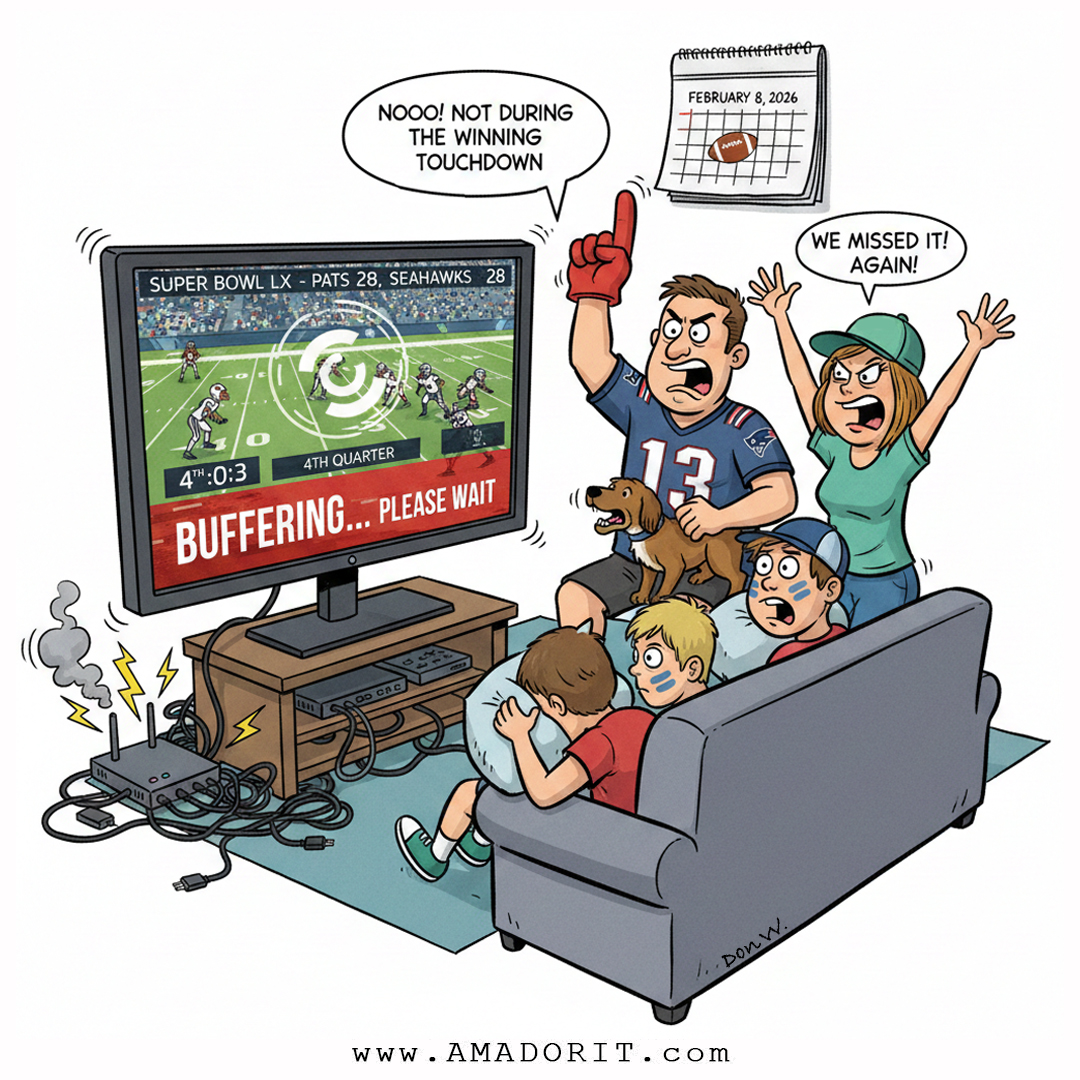
NOOO! NOT DURING THE WINNING TOUCHDOWN!
We've all been there. Tied game, 4th quarter, 3 seconds left... and then the dreaded buffering wheel appears. Don't let this be your Super Bowl Sunday.
Game Day Streaming Tips
- Restart your router BEFORE the game - not during the 4th quarter!
- Kick non-essential devices off the WiFi - every phone and tablet is competing for bandwidth
- If you're still on an old router - it might be time for an upgrade
- Streaming in 4K? - Make sure your internet plan can handle it
- Use ethernet if possible - wired is always more reliable than WiFi
Some Interesting Super Bowl Tech History
First Super Bowl (1967)
- Was the only Super Bowl to air on two networks (CBS and NBC)
- About 24 million people watched at home
- A 30-second ad cost $37,500
- Advertisers included Goodyear, McDonald's, and Tang
- Ads were boring and straightforward - just product features, no storytelling
Apple's "1984" Ad - The Game Changer
- Directed by Ridley Scott (yes, the Alien/Blade Runner director)
- Cost $900,000 to produce - unheard of at the time
- Aired only once nationally during Super Bowl XVIII
- Apple's board hated it and almost killed it - it didn't even show the computer
- Steve Wozniak offered to pay for half personally to save it
- Result: $150 million in Mac sales in 100 days
- Considered the turning point that made Super Bowl ads a cultural event
Ad Costs Today
A 30-second Super Bowl spot now costs $8-10 million. That's over 200x the cost of a 1967 ad!
WiFi Usage Explosion
In 2012, total Super Bowl stadium WiFi usage was about 300 GB. By 2024, it hit 34.8 TB - a 100x increase in just 10 years. Your home router is fighting the same battle on a smaller scale!
Enjoy the game! And if tech trouble intercepts your day, give us a call.